Knowledge
Demonstrate a deeper understanding of the components of a computer – the CPU, GPU, graphics card and their properties and the local drive and its relationship to the server or network. Especially, go into detail how they work and how they are being used where you are doing your apprenticeship.
Skills
Identify and x/escalate computer hardware problems as appropriate. Explain in detail how you would create, move and store data appropriately within employer defined network and server requirements. Finally, classify and point out the limitations or requirements of computer hardware for particular activities.
Knowledge
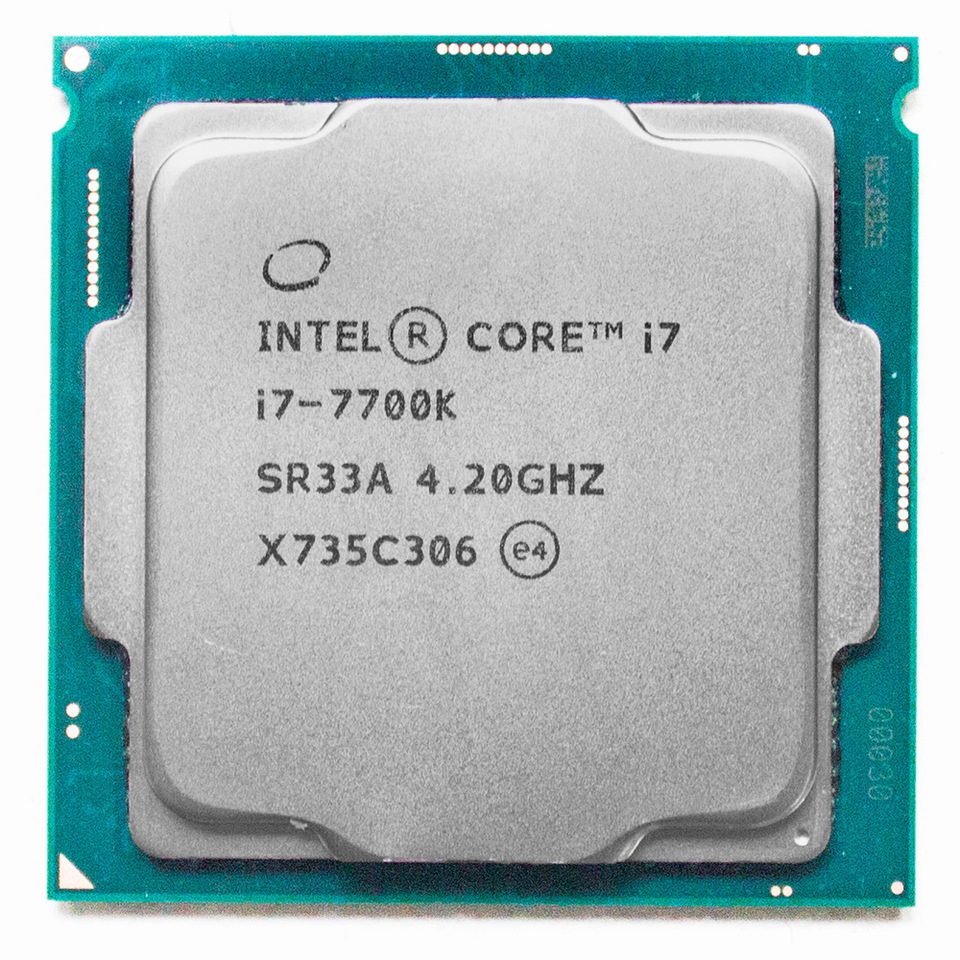
The CPU (Central Processing Unit) is the brain of the computer. It computes the processes that the computer is asked to do. They are mad up of cores that handle the processing. From model to model the cores have different speeds. Having may cores can be very beneficial to rendering and general processing but the speed is far more important overall to the end result. ON the other hand software is being better optimised to more efficiently use the cores available as higher frequency core CPUs are more expensive. This leads to the conclusion that a balance of the two is best for the average consumer.
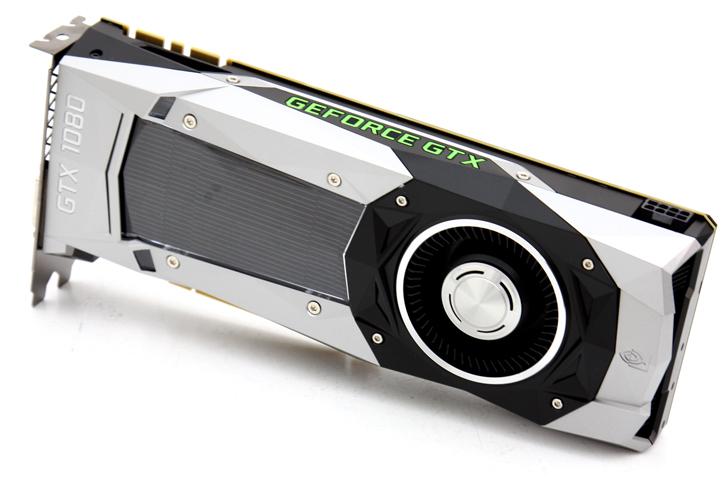
GPU (Central Processing Unit) is what the computer uses for display functions. It is responsible for the FPS output of the computer. It is particularly important that the FX industry have high end GPUs for this reason. The ability of the GPU is directly ties to how close to real time they can view simulations and renders. More recently software has moved to lean on the GPU more than the CPU in rendering to render quicker.
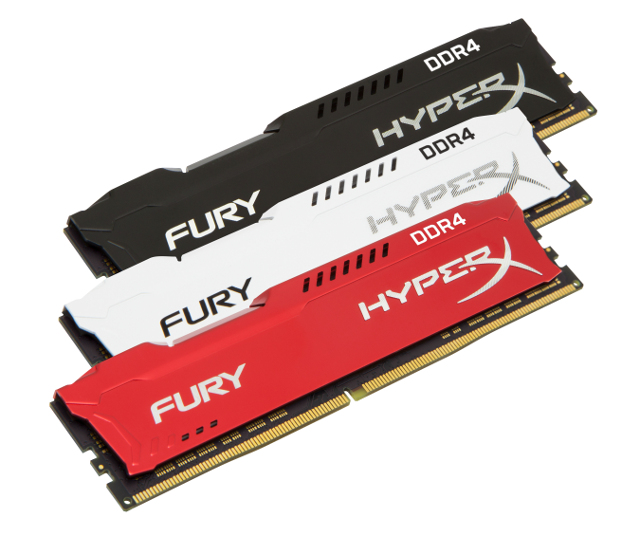
RAM (Random Access Memory) is the memory of the computer. It stores the data temporarily. The higher the amount of RAM available to the computer the more information it can work with at the same time. When working with large 3D scenes with a large amount of components common in the industry would require more RAM to run comfortably without issues. Usually 32GB is sufficient per local machine for most processes handled by that machine.
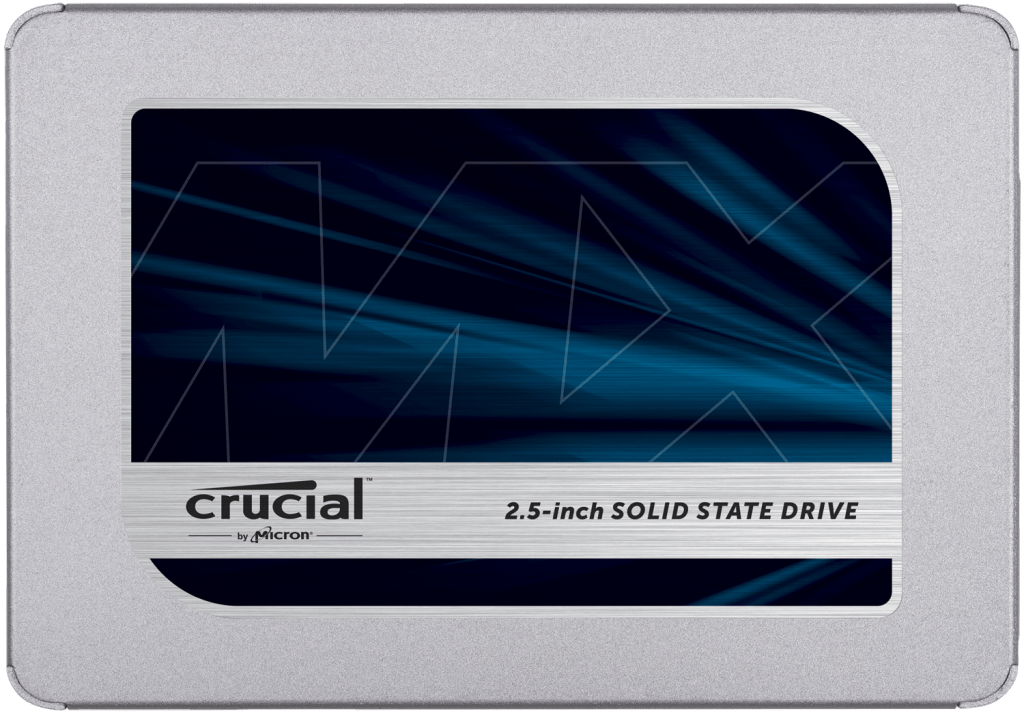
SSD/HDD (Solid State Drive/Hard Disk Drive)drives are storage devices for the computer. SSDs are far more expensive than HDDs but are much faster because they are not mechanical like HDDs which have moving parts. Most often HDDs are used because of this especially by the average consumer where the time saving may not be worth the large price difference per GB. SDDs are usually bought at smaller GB sizes for storing and booting the operating system off of as well as frequently used applications and folders. The boot and startup times are then faster for the operating system and applications.
CPUs vary in capability based on how many cores the CPU has and also clock speeds of the cores. The GPU processes the graphical inputs of the computer. It handles all visuals on screen. The local drive is where all active jobs are stored and accessed. The drive is available to all artists as opposed to other drives with specific NDA projects or sensitive information stored on them. There are times when an artist will use a Linux box for Maya but use a Windows box or as referred to at The Mill, a ‘paint’ box will be used to access ZBrush. When on these boxes you access job files slightly differently and the separations of servers and what can be accessed is more clear when viewing them all from the My Computer screen.
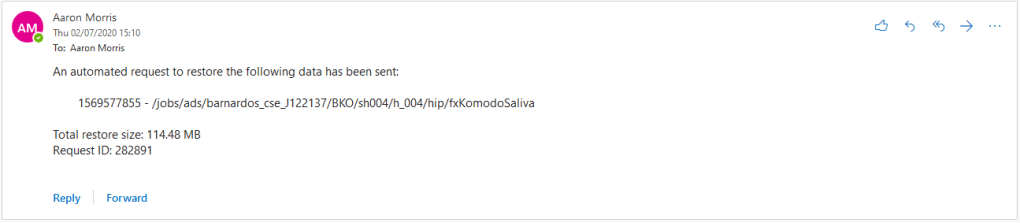
If you need to restore any data that is no longer on the main sever available to artists. Then you would have to request a data restore via loop. If you are unable to restore the data due to the size being to large the one fix would be to go further into the directory to find the specific asset you need instead of the whole folder. This is usually my first move. Alternatively if you have been asked to restore the folders by a superior artist you can then escalate the issue to a senior VFX supervisor as now it becomes a computer hardware problem as their is not the space required. Loop is an intranet only available through Mill computers or VPN onto the Mill network. Through Loop you would locate the file or folders you would like to restore through the listed directories. The structure is the same as when the folders were still live making it easier to locate as you Mill employees know the conventions and structure of any job. You then receive an automated archive restore request email and the library is notified of your request. The Librarian will the restore your chosen file or folders and and confirm this in email.
I have also spoken to this in the Data and Database Management page, a limitation of the current system is literal space to store the data we are accumulating. Someone has to decide when data is too old to be kept anymore or be needed by anyone and me need to be destroyed to make space for new data. As we move forward the size of files increase due to the power of the machines we have at our disposal and the growing capacity storage devices have to store. With this increased file size even with larger hard drives there is only so much space you can assign for large blocks of meta and plastic in a room somewhere. The future is probably a move towards a cloud based system of storage where no real world space needs to be taken. This comes with its own risks though as this may leave you vulnerable to cyber attacks and hacking of information that would not be possible in the same way with physical drives. The architecture for a solely cloud based system is a growing market though which means it will eventually become more and more viable.
The current restoration system also has limitations too as a real life person needs to be always on hand to restore the data manually. This can be beneficial for security reasons but leaves a lot of responsibility on the responsiveness of the individual. I have waited several days in the past for a restore wit weekends being particular slow. On a recent job where I was assigned a task, I was told to use an asset used on a previous job as a base. When i requested the restore i had to wait two days till it was done. This delayed that portion of the job as I was unable to really start working efficiently without having the Houdini scene available to use and learn from. That is a big limitation to he system as if the data restore was just a tool that allowed the computer to just transfer the data back on to the main server to be used then we would only be relying on the computer processing the requests hardware which in most cases is more reliable and faster because it skips the human need to do anything.
Skills
The Mills file server has a pre-built file structure specifically designed around the pipeline. It allows different directories to be procedural made for each job and the different task areas in the job. Files directories are also made separately for Maya, Nuke and Houdini. When files are opened using this tool they are saved correctly in their jobs and from then on automatically handled by ‘Miasma’. This is also the case when publishing assets, the caches and geometry are saved correctly automatically.
The Mill Toolbar is a side panel in Maya where all the Mill made tools are housed. They are split into the stage of the pipeline they are useful for I separate tabs. This includes the sanity checker used to format and standardise assets before publish I have previously detailed. To move assets across jobs you would use the ‘xCopy/xPaste’ tool. They are made with pipeline in mind in order to transfer different aspects of jobs over to another job with relative ease. These tools functions a copy and paste feature but for assets. They are used to copy one asset from one artist to another. You would select the anything you would like to send in the view port and click xCopy, this would bring up a dialog box to enter the username of the intended recipient. Once the name is entered it is done on that persons side. The recipient can now press xPaste and will receive the assets in to their scene in seconds.
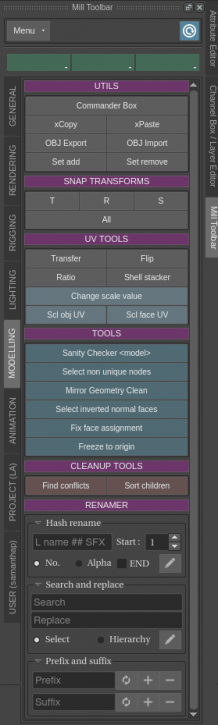
This is more efficient than having to email entire Maya files to each other and also saves valuable hard drive space by giving artists just the parts they need instead of maybe using two whole scenes to work in to create a single asset. The only real limitation to his tool could be having to know the persons username before hand which is usually their surname followed by the first letter of their first name. You may not now their surname which could require you to find them and ask which is tie consuming but not a huge drawback. Some older Mill employees usernames are there first name followed by the first letter of there surname, this does make it so you may be required to ask whether you know their name or not.
 ATD Apprentice